The Importance of Accessibility in Blended Learning
13 March 2026
Blended learning is like the perfect smoothie—it combines the best of in-person and online education to create something truly effective. But here's the catch: if not everyone can access that smoothie, what's the point? That’s why accessibility in blended learning isn’t just a “nice-to-have.” It’s an absolute must!
Let’s dive into why accessibility should be a priority in blended learning and how it can make education truly inclusive for all.
What Is Blended Learning, and Why Does Accessibility Matter?
Blended learning combines traditional face-to-face instruction with digital learning experiences. It gives students the flexibility to learn at their own pace while still enjoying the benefits of in-person guidance. Sounds perfect, right? Well, only if everyone can participate fully.Accessibility ensures that all students, regardless of disabilities or learning challenges, can engage with the content, participate in discussions, and complete assignments without barriers. If accessibility isn’t prioritized, many students may find themselves struggling to keep up—not because they lack ability, but because the system isn't designed for them.
The Pillars of Accessibility in Blended Learning
Making blended learning accessible isn’t just about adding captions to videos or ensuring documents are readable. It’s about creating an inclusive learning environment where every student has an equal opportunity to succeed. Here are the key pillars of accessibility in blended learning:1. Digital Content That Everyone Can Use
Imagine trying to watch a lecture video, but there are no captions—and you’re hard of hearing. Or what if your professor uploads scanned PDFs instead of searchable text documents? Frustrating, right?To make digital content accessible:
- Use closed captions and transcripts for video and audio content.
- Ensure documents and presentations are formatted with alt text for images, structured headings, and readable fonts.
- Provide materials in various formats (text, audio, braille, etc.) so students can choose what works best for them.
2. User-Friendly Learning Platforms
A learning management system (LMS) should be as welcoming as a cozy coffee shop—easy to navigate and accessible to everyone. If students struggle to find assignments or discussions due to poor design, their learning experience suffers.A good LMS should:
- Be keyboard-navigable for students who can’t use a mouse.
- Support screen readers for visually impaired students.
- Offer customizations like adjustable text size, contrast settings, and text-to-speech options.
3. Inclusive Assessments and Assignments
Not all students demonstrate knowledge the same way. Some thrive with essays, others with presentations, and some might need extra time to process and respond to test questions.To ensure assessments are accessible:
- Offer multiple ways to demonstrate learning (quizzes, presentations, discussions, portfolios).
- Provide extended time options where necessary.
- Ensure that all digital assessments are compatible with assistive technologies.
4. Flexible Communication and Collaboration
Communication is key in blended learning. But what if a student has difficulty participating in a fast-paced online discussion or struggles with live video interactions? Accessibility ensures that no one is left behind.Things that help:
- Recorded lectures and discussions for students who can’t attend live sessions.
- Transcripts and summaries of discussions for those who need extra time to process information.
- Multiple communication formats, including forums, emails, and instant messaging.
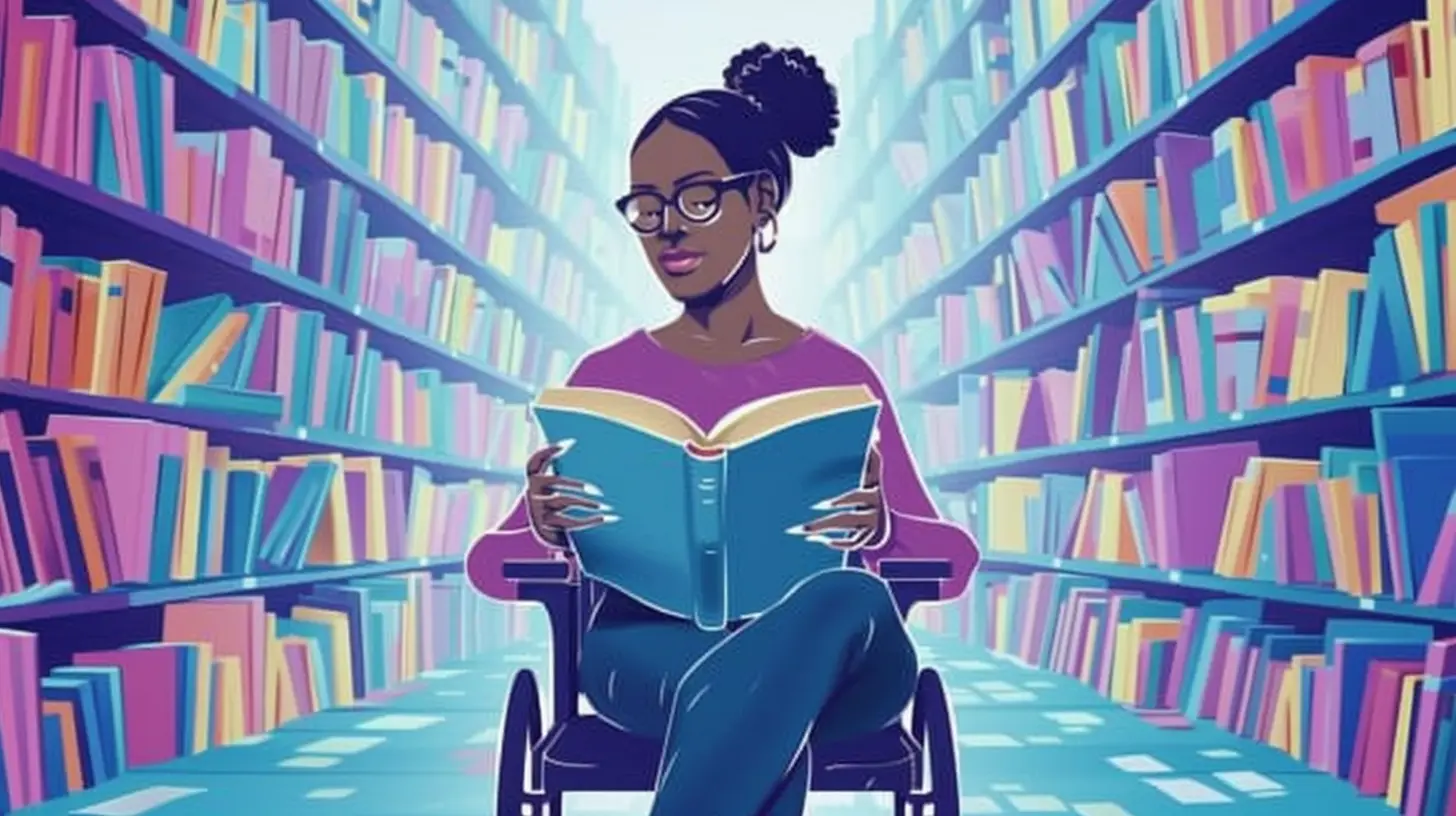
Why Accessibility Benefits Everyone (Not Just Those Who Need It)
Here’s a little secret: making learning accessible doesn’t just help students with disabilities—it benefits everyone.Think about curb ramps on sidewalks. Originally designed for wheelchair users, they also help parents with strollers, travelers with luggage, and even skateboarders. The same idea applies to education.
- Captions help not only deaf students but also those who learn best by reading or in noisy environments.
- Digital textbooks with audio options assist students who prefer listening over reading.
- Flexible deadlines and varied assessment methods accommodate different learning styles.
When education is designed for all, everyone wins.
The Challenge: Why Isn’t Accessibility Universal Yet?
If accessibility is so beneficial, why isn’t every blended learning program fully accessible? Well, several challenges still exist:- Lack of Awareness – Many educators and institutions simply don’t realize their content isn’t accessible.
- Resistance to Change – Some instructors rely on traditional teaching methods and hesitate to adapt.
- Technology Barriers – Not all learning platforms have built-in accessibility features.
- Limited Resources – Schools and universities may lack funding or expertise to implement accessibility improvements.
But the good news? Change is happening. Institutions are starting to acknowledge the importance of inclusive learning, and technology is evolving to support it. The more we push for accessibility, the closer we get to making blended learning work for everyone.
How Educators Can Make Blended Learning More Accessible
So, what can educators do right now to improve accessibility in their blended learning courses? Here are a few simple steps:1. Educate Yourself on Accessibility Standards
Familiarize yourself with Web Content Accessibility Guidelines (WCAG) and Universal Design for Learning (UDL) principles. These guidelines provide a foundation for making digital content more inclusive.2. Use Accessible Tech Tools
Choose platforms that support accessibility features like screen readers, closed captions, and keyboard navigation.3. Offer Multiple Ways to Engage with Content
Provide learning materials in text, audio, and video formats. Let students participate in discussions through both text-based forums and live video options.4. Ask for Student Feedback
Who better to tell you what works and what doesn’t than your own students? Regularly check in to see if they’re facing accessibility challenges.5. Keep an Open Mind and Stay Flexible
Accessibility isn’t a one-size-fits-all approach. Be willing to adapt based on student needs and technological advancements.
Conclusion: Accessibility Is the Future of Education
Blended learning has the potential to revolutionize education, but only if it’s inclusive. Accessibility ensures that every student—regardless of ability—has the same opportunities to learn, participate, and succeed.By making small, intentional changes, educators can create an environment where no student feels left out. After all, education should empower everyone, not just those who fit a certain mold.
So, let’s make blended learning the best smoothie it can be—one that everyone can enjoy.
all images in this post were generated using AI tools
Category:
Blended LearningAuthor:

Bethany Hudson
Discussion
rate this article
2 comments
Lola Shaffer
Unlocking potential: discover the hidden barriers in blended learning that silence voices and stifle success.
April 2, 2026 at 2:27 AM
Bethany Hudson
Thanks for your insight! Addressing hidden barriers is key to making blended learning truly accessible and empowering for everyone.
Halle Gilbert
Accessibility in blended learning ensures all students can participate fully, enhancing engagement and improving overall learning outcomes.
March 20, 2026 at 5:21 AM
Bethany Hudson
Thank you for your insightful comment! I completely agree that accessibility is crucial in blended learning, as it fosters inclusivity and enhances engagement for all students.